Workers pause mid-task. A machine hums quietly in the background—de-energized, they assume. But did someone forget to lock it out? Was the tag left behind in the last shift? Miscommunication around lockout tagout (LOTO) procedures causes preventable downtime and risks. One missing tag can lead to serious injury.
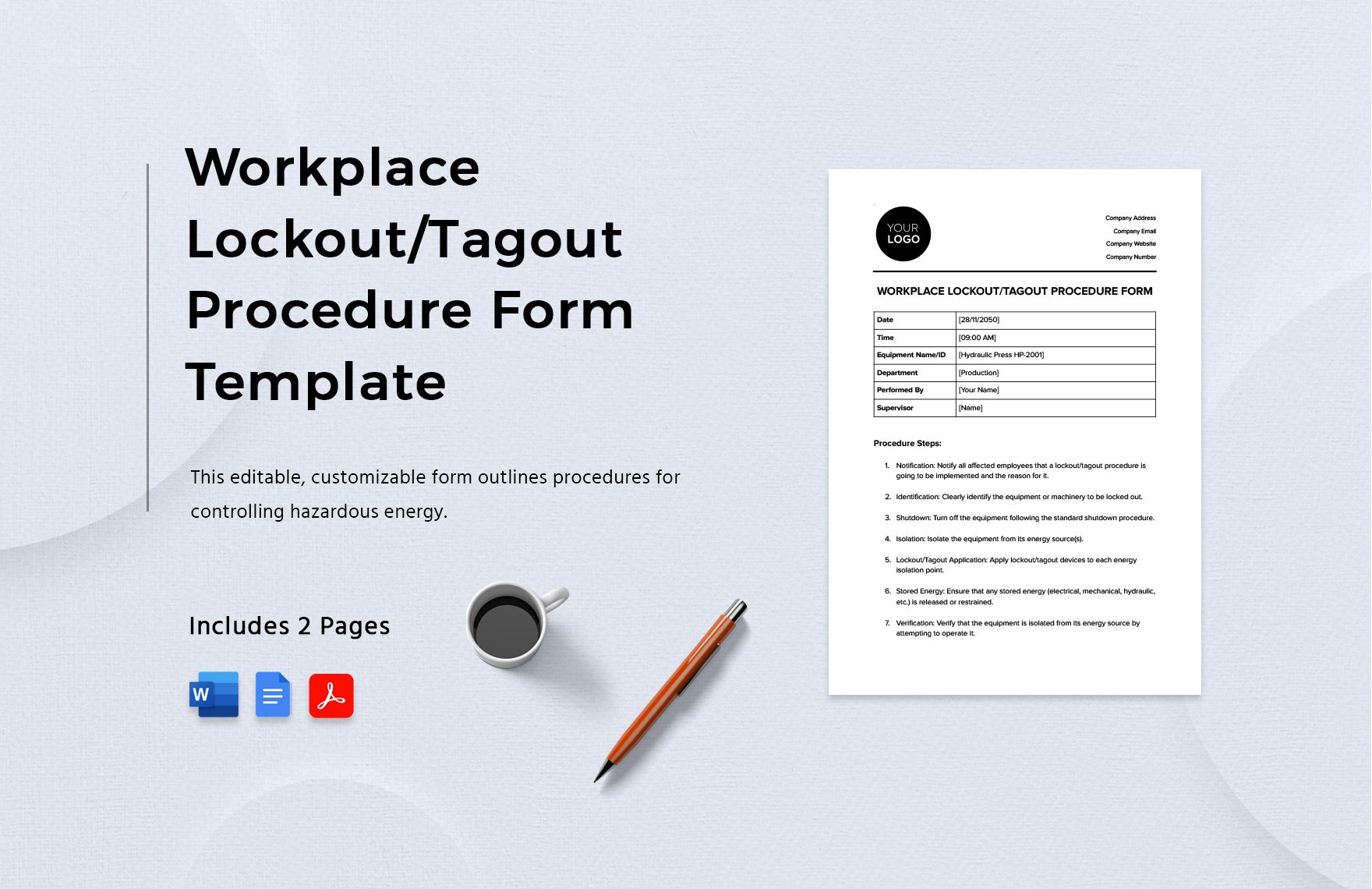
Printable lockout tagout tags solve this. They’re fast, affordable, and when done right, fully compliant with OSHA 1910.147. More importantly, they integrate seamlessly into real maintenance workflows—no extra training, no complicated systems.
This guide cuts through the noise. You’ll learn how to choose, customize, and deploy printable LOTO tags that actually work in industrial, manufacturing, and maintenance environments.
Why Printable LOTO Tags Are Smarter Than You Think
Printable lockout tagout tags aren’t just a budget alternative to pre-printed industrial labels. They’re a strategic tool for dynamic environments where equipment, roles, and procedures shift frequently.
Think of a mid-sized manufacturing plant with rotating machinery, contract technicians, and seasonal maintenance cycles. Pre-printed tags with static names or outdated procedures become useless. Printable tags let you:
- Customize fields on-demand: technician name, shift, reason, date, equipment ID
- Update language for multilingual teams
- Add QR codes linking to maintenance logs
- Print only what you need—eliminating waste
They also integrate with existing LOTO procedures. Instead of disrupting workflow with a rigid labeling system, you print what’s needed, when it’s needed—direct from a laptop or office printer.
What Makes a Printable Tag OSHA-Compliant?
Not all printable LOTO tags pass regulatory scrutiny. OSHA doesn’t require tags to be purchased from certified vendors—but they do mandate specific elements:
- Durable material: Must withstand environmental conditions (oil, moisture, heat)
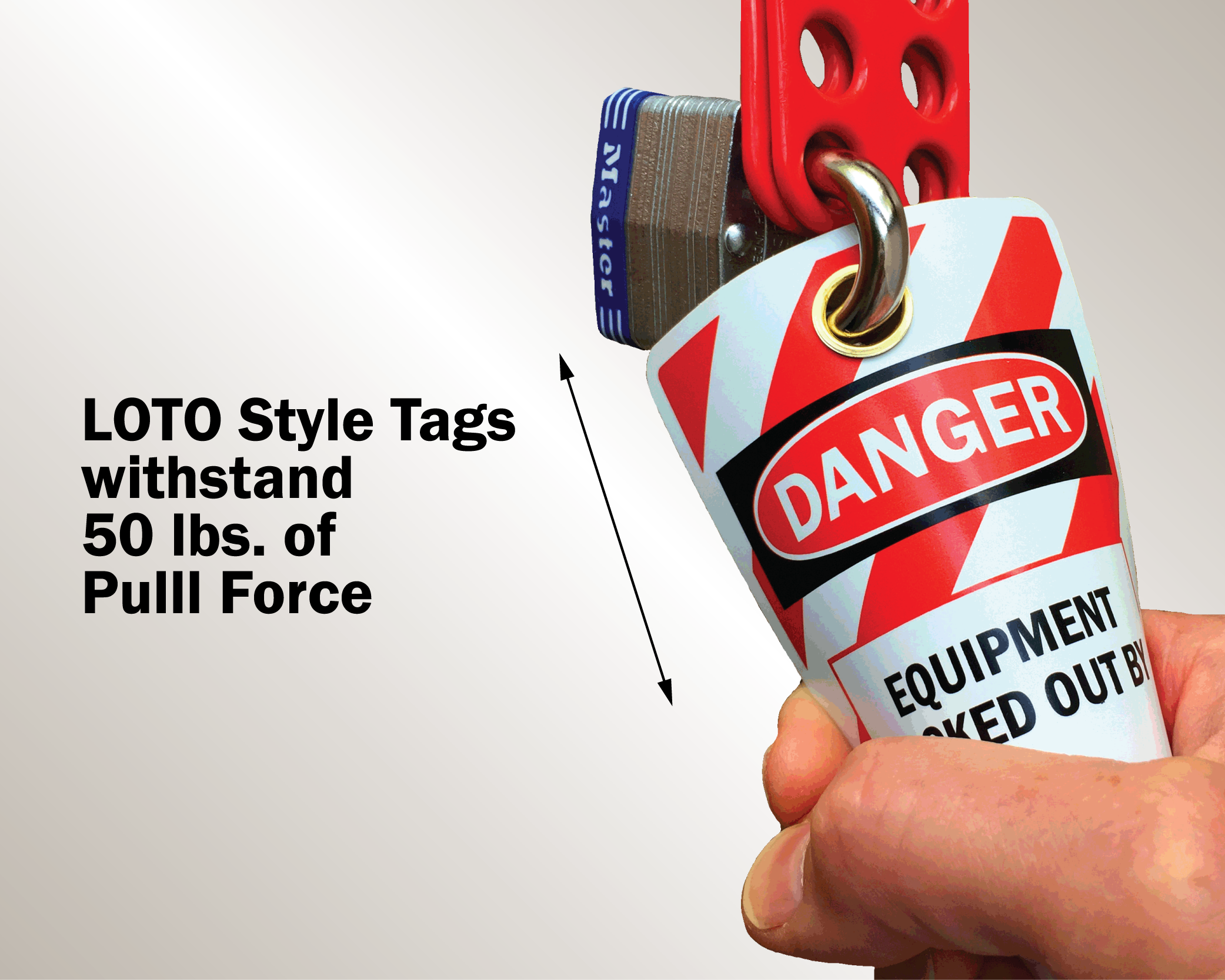
- Legible text: Clear, bold font, large enough to read from 5 feet
- Warning statement: “Do Not Operate,” “Do Not Energize,” or similar
- Unique identifiers: Space for employee name, department, date, time
- Standard colors: Red, orange, or yellow backgrounds recommended
- Non-reusable design: Tags should tear or show tamper evidence
When printing at home or in-office, use synthetic or laminated paper stock. Regular printer paper won’t survive a shop floor. Look for waterproof or tear-resistant label sheets—3.5" x 5" or 4" x 6" sizes fit most tag holders.
Common mistake: Printing tags on plain paper and taping them. OSHA views this as non-compliant. Tags must remain intact and visible throughout the lockout period.
Customization That Matches Your Workflow
One-size-fits-all templates fail in practice. A printing press operation has different needs than a chemical processing unit. Customization is where printable tags shine.
Use templates that include:
- Equipment ID field
- Type of energy isolated (electrical, hydraulic, pneumatic, etc.)
- Reason for lockout (repair, cleaning, inspection)
- Authorized employee section
- Emergency contact info
- Signature line
Some teams add a checklist on the back: ☐ Verified zero energy ☐ Confined space check complete ☐ Co-workers notified
This turns a simple tag into a procedural anchor—reducing human error.
Real-world example: A food processing facility in Indiana reduced LOTO errors by 40% after switching to double-sided printable tags. The back-side checklist ensured technicians verified isolation with a multimeter before tagging, a step previously skipped.
Top 5 Printable LOTO Tag Templates & Where to Get Them
Below are tested, reliable sources for printable lockout tagout tags. All offer downloadable PDFs compatible with standard office printers.
| Template Provider | Key Features | Format | Best For |
|---|---|---|---|
| OSHA.gov Sample Templates | Free, OSHA-aligned, basic fields | Startups, small shops | |
| Creative Safety Supply | Multilingual, QR-ready, industrial design | PDF & editable DOC | Large teams, global sites |
| EHS Insight | Digital + printable combo, cloud sync | PDF & LMS integration | Mixed digital/physical workflows |
| Seton | Pre-sized for label sheets, scannable codes | PDF with crop marks | High-volume printing |
| SafetySign.com | Customize online, print at home or ship | Editable PDF | Urgent needs, remote sites |
Tip: Test print one tag first. Check alignment, font size, and color contrast. Red text on red background won’t work—even if it looks good on screen.
Integrating Printable Tags into Your LOTO Program
A tag is only as strong as the process behind it. Printing isn’t the finish line—it’s the start.
Follow this integration workflow:
- Map critical assets: List machines requiring LOTO procedures.
- Assign tag ownership: Each authorized employee carries a personal lock and uses their own tag.
- Store templates digitally: Keep PDFs on shared drives or mobile devices.
- Train on print-and-use protocol: Include how to fill fields, where to print, and paper specs.
- Audit quarterly: Check tag quality, usage, and compliance during safety reviews.
Workflow tip: Pair printable tags with a lockout logbook. When a technician prints a tag, they log the action—creating an auditable trail without digital tools.
Avoid this mistake: letting untrained workers print and apply tags. Only authorized employees should initiate lockout, per OSHA rules.
Common Pitfalls (And How to Avoid Them)
Printable LOTO tags fail when treated as a quick fix. Real-world issues include:

- Illegible handwriting: Even with printed templates, some fields are handwritten. Use block letters. Consider pre-printed dropdowns for common reasons (e.g., “Motor Replacement”).
- Tag fatigue: Too many tags on one machine confuse workers. Use a master tag if multiple people are working on the same system.
- Missing tag storage: If printers are locked in the office, technicians skip the step. Keep a labeled folder with blank templates near high-use equipment or in maintenance carts.
- No disposal protocol: Old tags left on machines create confusion. Establish a “tag graveyard”—a visible bin where used tags are placed after removal.
When to Supplement With Digital Tools
Printable tags work—but they’re not the endgame for every operation.
Consider digital enhancements when:
- You have remote or rotating teams
- Audit trails are frequently requested
- Multisite consistency is challenging
Hybrid solutions exist. For example, use a printable tag with a QR code that logs the lockout event in a cloud system when scanned. The tag stays physical; the data goes digital.
Some companies use tablets at lockout stations: technician selects equipment, fills fields, and hits print. The system timestamps the action and notifies supervisors.
But for many, especially small to mid-sized operations, printable tags remain the most pragmatic, compliant, and cost-effective solution.
Final Checklist Before You Print
Before rolling out printable LOTO tags site-wide, verify:
- [ ] Tags are printed on durable, tear-resistant material
- [ ] Warning text is bold, large, and in high-contrast color
- [ ] All OSHA-required fields are present
- [ ] Templates are stored in accessible locations
- [ ] Training includes proper tag use and disposal
- [ ] Audit plan includes tag inspection
Print one. Tape it to a machine. Walk away. Come back in two hours. Is it still legible? Still attached? If yes, you’re ready.
The Bottom Line
Printable lockout tagout tags aren’t a shortcut—they’re a smart adaptation of safety standards to real-world constraints. They’re faster to deploy than digital systems, cheaper than bulk pre-printed orders, and flexible enough to evolve with your operations.
But they only work if done right. Durable material. Clear text. Proper training. A process that supports the paper.
Set it up once. Print as needed. Stay compliant without complexity.
FAQ
Can I make my own lockout tagout tags? Yes, as long as they meet OSHA requirements for durability, legibility, warning statements, and include employee identification.
What printer should I use for LOTO tags? A standard laser or inkjet works, but use waterproof, tear-resistant label paper. Avoid plain paper.
Do printable tags need to be laminated? Not required, but highly recommended in harsh environments. Laminated or synthetic stock performs better.
Can I reuse a printed tag? No. Tags are single-use. Reusing a tag violates OSHA’s non-reuse principle for safety devices.
Should tags include a photo of the authorized employee? Not required, but some companies add photos to prevent tag sharing. Use discretion based on privacy policies.
How many tags should I keep on hand? Keep at least 2–3 per authorized employee. More for high-maintenance environments.
Can I print tags in multiple languages? Yes, and it’s encouraged if your team is multilingual. OSHA accepts non-English tags as long as the message is clear.
FAQ
What should you look for in Lockout Tagout Tags Printable: Save Time, Stay Compliant? Focus on relevance, practical value, and how well the solution matches real user intent.
Is Lockout Tagout Tags Printable: Save Time, Stay Compliant suitable for beginners? That depends on the workflow, but a clear step-by-step approach usually makes it easier to start.
How do you compare options around Lockout Tagout Tags Printable: Save Time, Stay Compliant? Compare features, trust signals, limitations, pricing, and ease of implementation.
What mistakes should you avoid? Avoid generic choices, weak validation, and decisions based only on marketing claims.
What is the next best step? Shortlist the most relevant options, validate them quickly, and refine from real-world results.